
Learning how to index backlinks starts with understanding why you’d ever need to. You got the link. Now Google needs to actually find it, because a backlink sitting on a page Google hasn’t crawled yet does nothing for you.
That’s what indexing is: Google finding and storing a page in its index so it can actually count toward anything. Most of the time this happens on its own. Sometimes it doesn’t, and you need to give it a push.
Here’s what to do when you can’t just wait around, plus a couple of shortcuts you should skip.
Key Takeaways:
- Most backlinks get indexed on their own. Give it a couple of weeks before you worry.
- Google Search Console can request indexing directly, but only in specific situations.
- Linking to your own new link speeds things up. This is tier 2 link building.
- Skip pinging tools and be careful with indexing services.
Link building cheat sheet
1. Just Wait
Most of the time, you don’t need to do anything. Backlinks find their way into Google’s index without any help from you.
If your link is on a page that’s already indexed, meaning it already shows up in Google search results, you just wait.
Search engine crawlers revisit indexed pages on their own schedule, usually every couple of weeks, and your new link gets picked up along with everything else on that page.
This covers the majority of backlinks you’ll ever get. An established blog with regular traffic gets crawled often.
Your link rides along for free. No action needed, no tool required.
The other three methods below are for the cases where that doesn’t apply.
2. Submit the Page for Indexing in GSC (If possible)
This one only works in two situations: you just got a new backlink on a page that didn’t exist before, like a guest post, or you’re in direct contact with the publisher who gave you the link.
If either applies, log into Google Search Console, drop the URL into the url inspection tool, and hit request indexing.
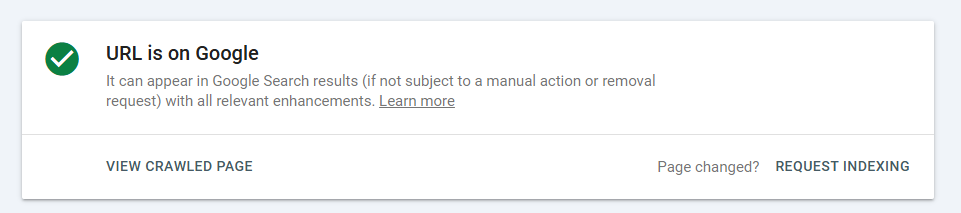
That’s it. Google typically indexes the page within 48 hours, which is about as close to faster indexing as you’re going to get without paying for a service.
You can check the indexing status of any page the same way, through that same tool in Google Search Console, so you’ll know exactly when your indexed backlink actually shows up.
One catch: you need access to Search Console for that specific domain.
If it’s your own site, easy. If it’s the publisher’s site, you’re relying on them to do it, or to add you as a user, which isn’t always realistic. If neither applies, this method is off the table and you move to the next one.
Note: some people still call this Google Webmaster Tools, its old name before Google rebranded it years ago. Same tool either way.
3. Build Tier 2 & 3 Links
This is for when neither of the first two options works. No Search Console access, no relationship with the publisher, just a new page sitting out there that nobody’s crawled yet.
The fix: link to the page that has your backlink on it.
Point a link at it from your own site, or from a third-party resource, and whenever that page gets crawled, your original backlink gets pulled in along with it.
Internal linking works especially well here since you control exactly when and where the link goes live.
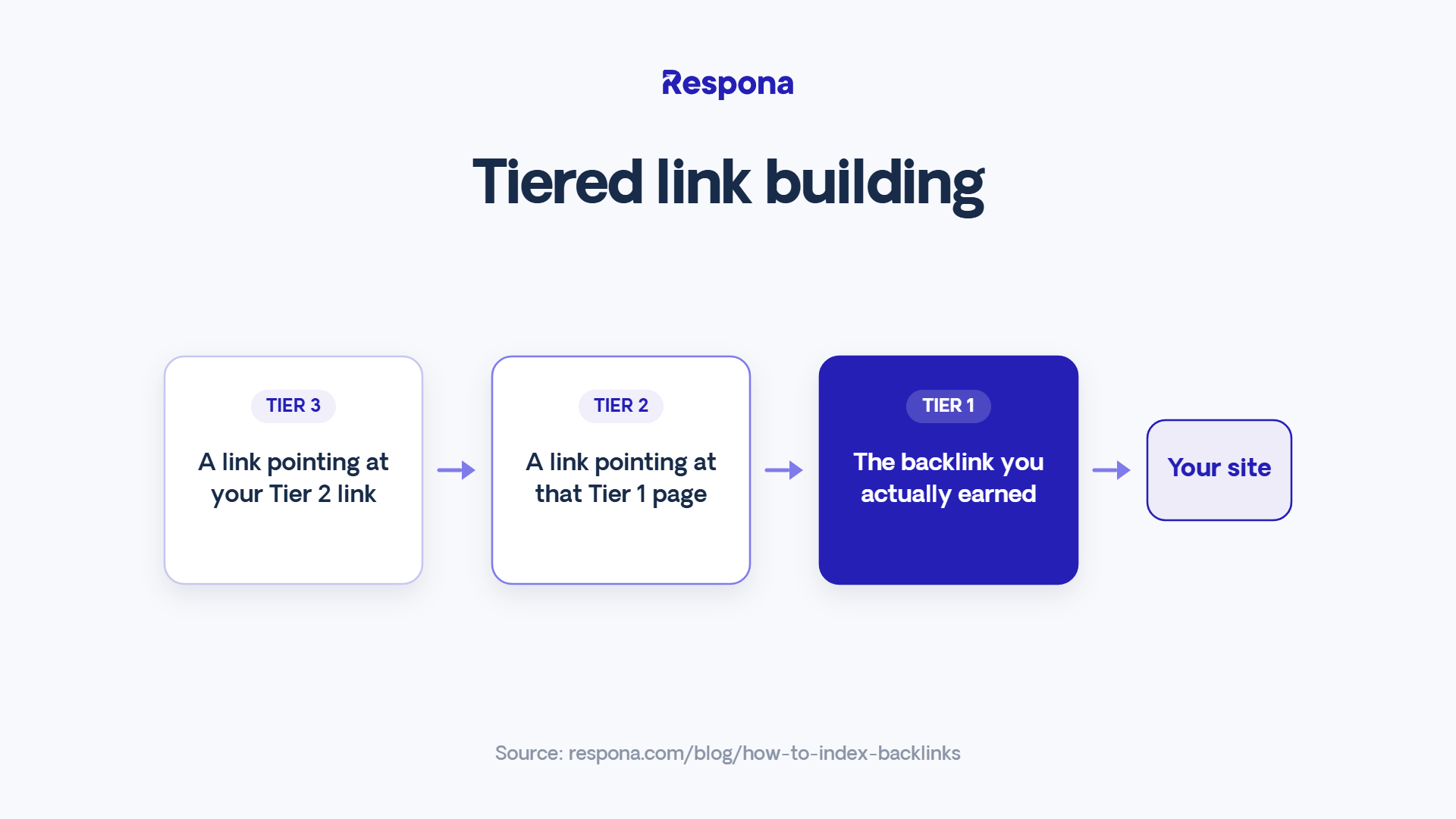
This is what people mean by tier 2 and tier 3 link building.
Tier 1 is the actual backlink you earned. Tier 2 is a link pointing at that page. Tier 3 points at your tier 2 link, in case that one’s also sitting unindexed somewhere.
A few ways to build links like this:
- An internal link from an already-indexed page on your own site, pointing straight to the backlink url.
- An old blog post republished with a fresh link added in.
- A resource page or roundup on a site you already work with.
- A guest post on any site that’ll take one, just to plant the link somewhere new.
This isn’t just an indexing hack either. Tier 2 and 3 links are a real link building practice on their own, since they pass some authority down the chain.
Build enough of them from authoritative websites and you’re not just getting your link indexed faster, you’re turning one quality backlink into a small network of quality backlinks that reinforce each other.
4. Post on Socials
Same idea as tier 2 links, just faster and with way less setup.
Drop the URL on X, LinkedIn, Facebook, wherever you actually have an audience. Social platforms get crawled constantly, so a link posted there can get picked up within hours instead of weeks.
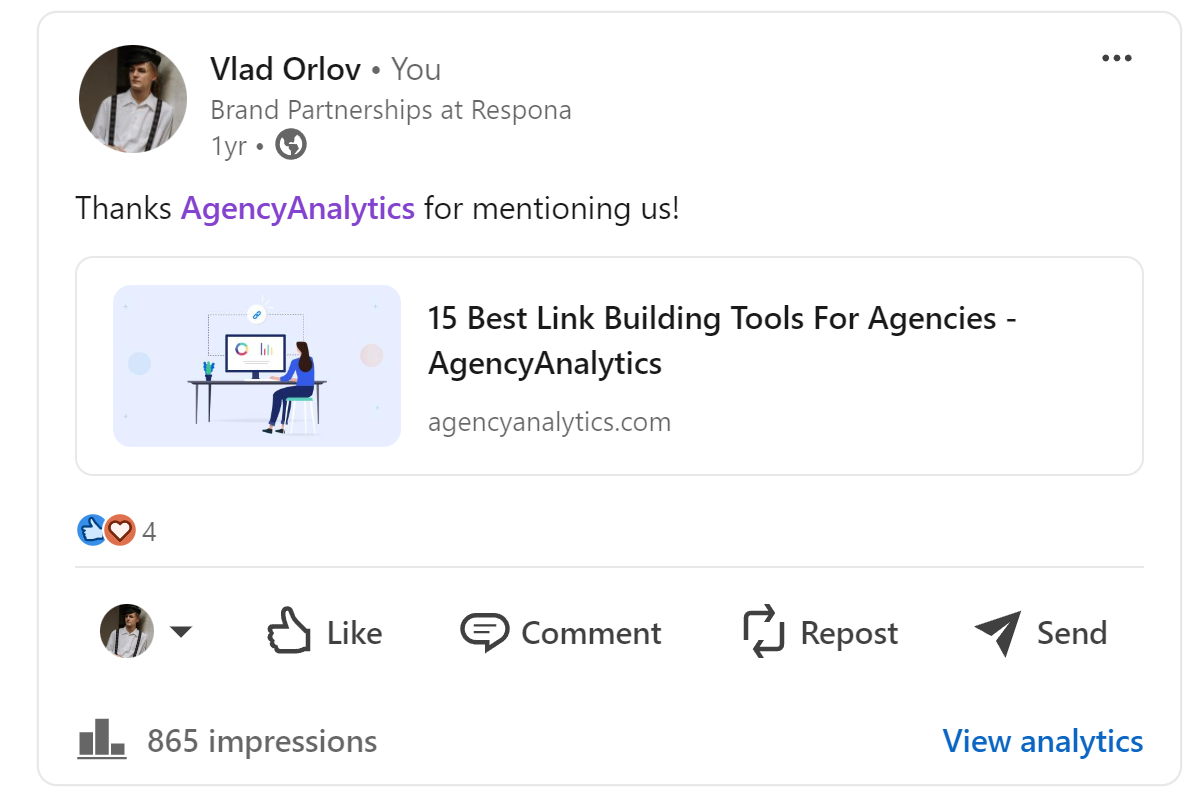
It won’t pass authority the way a real tier 2 link does, but that’s not the point here. The point is indexing speed.
Old-school social bookmarking sites (think Reddit threads, niche forums, link-sharing communities) work the same way and are worth a try if you’ve got a couple of relevant ones in your niche.
It takes five minutes and costs nothing, so there’s no real reason to skip it while you wait on the slower methods to kick in.
Do Pinging Tools Work?
Short answer: not really.
You’ll see plenty of guides recommend a pinging tool or backlink indexing tool that promises to “notify” search engines about your new link.
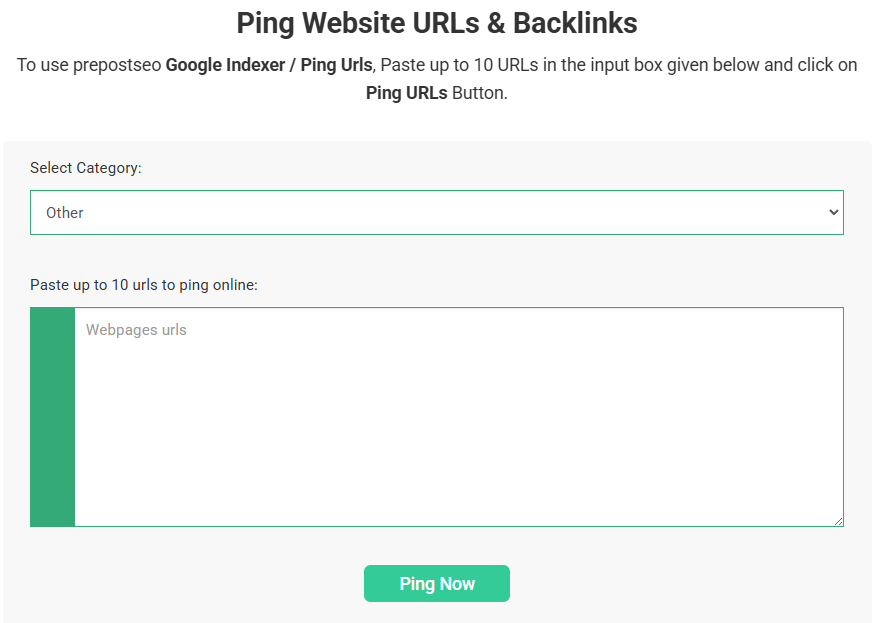
In practice, these have little to no effect on Google’s crawling. Google’s indexing process runs on its own signals: crawl budget, site authority, how often a page normally updates. A ping doesn’t change any of that.
If a tool is just firing off a signal and hoping Google notices, it’s not doing real link indexing. Save your money and use one of the four methods above instead.
Should You Use Indexing Services?
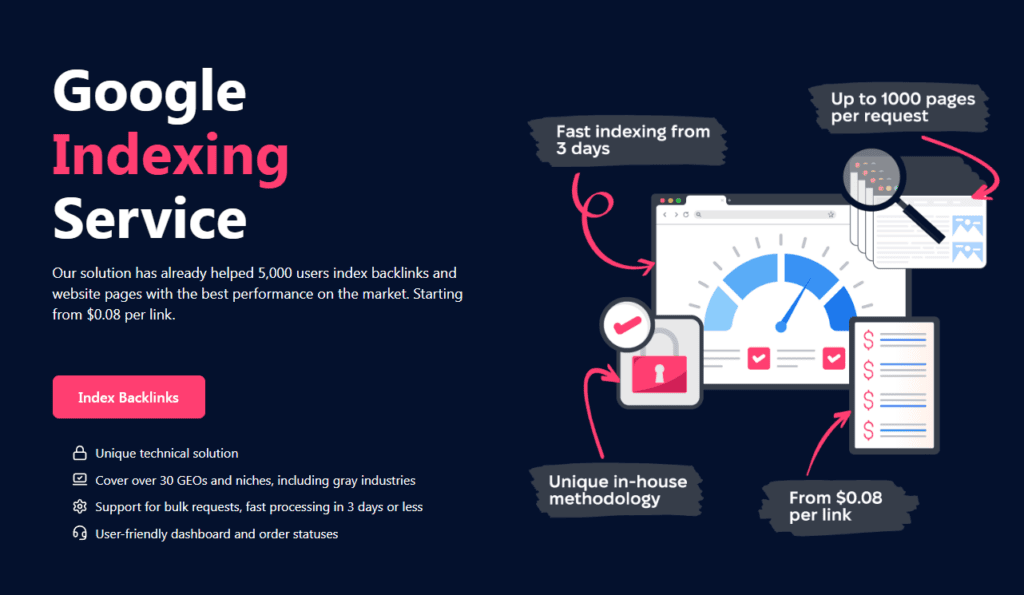
If you’ve come across a paid indexing service or backlink indexing service, odds are it’s just running one of the strategies already covered here: tiered links, social shares, maybe automated GSC submissions if they have some kind of access.
The risk isn’t the concept, it’s the execution. Some of these operate as a links indexer or backlink indexer built on networks of low-quality, throwaway sites, the kind of setup people still call web 2.0 properties.
Tools like GSA Search Engine Ranker automate exactly this at scale, blasting your link across thousands of indexers with zero regard for quality.
That’s a real risk to the site you’re trying to help. If you don’t know exactly how a service or its indexers operate, and can’t confirm it’s fully white hat, treat it as a gamble rather than a shortcut. As the site owner, you’re the one who eats the consequences if Google decides the whole setup looks spammy.
Link building cheat sheet
Now Over to You
Backlinks indexed is the whole goal here, and for most links you’ll ever earn, that happens without you lifting a finger.
Save the tier 2 links, social posts, and GSC requests for the ones that actually need the push.
Skip the pinging tools. Be careful with indexing services.
And if you’re building enough backlinks that indexing backlinks starts to feel like its own full-time job across every one of the search engines you track, that’s usually a sign your link building volume has outgrown manual tracking.
Add a page to the index once, and it’s there for good unless something breaks it.
None of this matters if you’re not earning real links in the first place, and that’s the part most teams actually get stuck on, not the indexing.
Place an order with Respona, we’ll land the links. You just have to worry about making sure they get seen.
Frequently Asked Questions (FAQ)
How long does it take to index backlinks?
Most get picked up within a couple of weeks on their own. Submitting through Google Search Console cuts that down to about 48 hours.
Indexing backlinks through tier 2 links or social posts usually lands somewhere in between, depending on how fast the linking page itself gets crawled. Across most search engines worth tracking, that range holds fairly consistent.
Does Google Search Console guarantee indexing?
No. Asking Google to prioritize a crawl through search console doesn’t force a result. Google can still choose not to index a page if it looks thin, duplicate, or low-value.
Submitting through search console just gets you to the front of the line, not a guaranteed spot.
What’s the difference between indexing and ranking?
Indexing means Google found your page and added it to the index at all. Ranking is where that page lands in the search engine ranking once it’s already in there.
A page can be in the index and still rank on page 12 for every search result you care about. Getting indexed is step one, not the finish line.
Do backlinks from unindexed pages still count?
Not really, at least not yet. If the page holding your link isn’t indexed, Google hasn’t registered that the link exists, so it’s not contributing anything to your site’s authority.
Once that page gets indexed, whether Google does it on its own or you push it along, the backlink starts counting.
Is there a tool that checks if my backlinks are indexed?
Google Search Console’s URL inspection tool works one URL at a time, which is fine for a handful of links.
For checking backlinks indexed at scale, most SEO platforms with backlink tracking features will flag indexing status alongside the rest of your backlink data, so you’re not checking pages one by one.
Does Google have an official indexing API?
Yes, the Google Indexing API exists, but it’s officially meant for job posting and livestream pages, not general backlink indexing.
Google indexing through the API for other page types isn’t officially supported, even though some tools use it anyway. Stick to Search Console’s manual submission feature for anything outside those two categories.
Can I check whether all my backlinks are indexed in bulk?
Yes, though not through a single free tool built for exactly that. Most backlink platforms will show you backlinks indexed as a percentage across your whole profile, flagging indexed backlinks separately from ones still sitting outside the index.
That’s a faster way to spot indexing backlinks problems across dozens of links than checking each search result one at a time, and it beats manually pulling search engine results for every URL.